Source products · Kakobuy links
Kakobuy Product Finder
Find a product, check its original seller listing and open the same item through Kakobuy. Search the full source catalog or start with the dated product references below.
Independent FindHaul directory. Seller images and recorded prices need a fresh check at the source; generated links do not confirm Kakobuy import, stock or QC.
Start with a source product
Original seller images, English reference names and individual check dates.
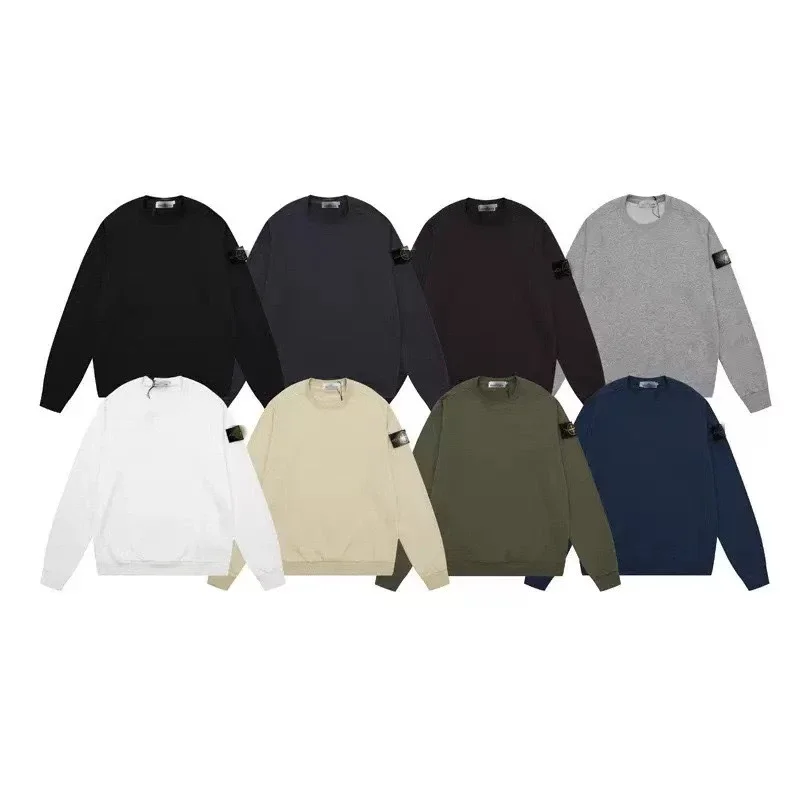
Hoodies & Sweaters
Plain crewneck sweatshirt with small emblem
Recorded CNY 160.00
Source checked 2026-10-06
View details & 15 agent links →
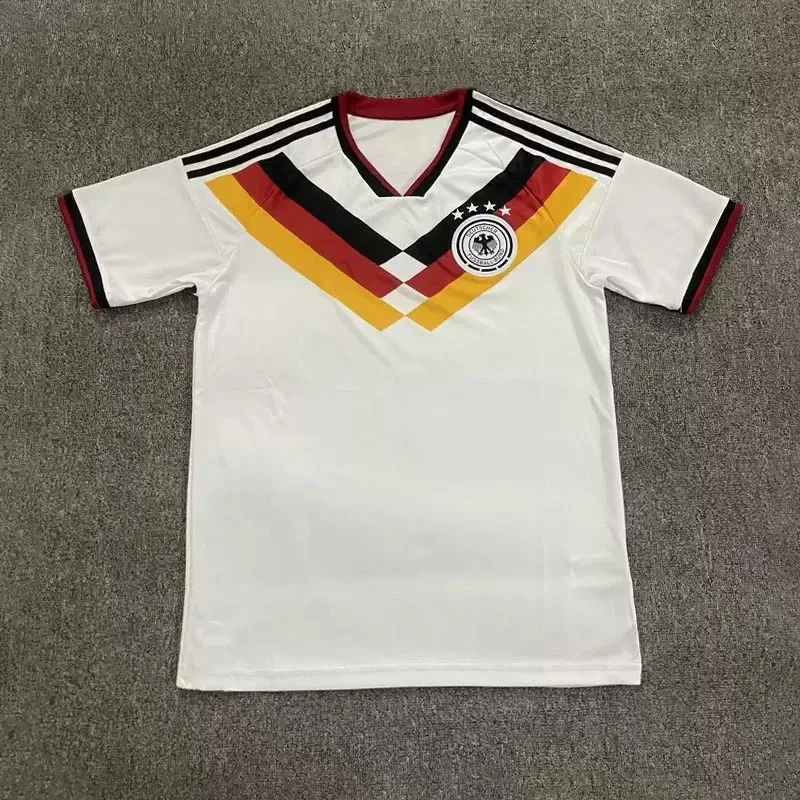
Jerseys
German soccer jersey
Recorded CNY 78.00
Source checked 2026-10-06
View details & 15 agent links →
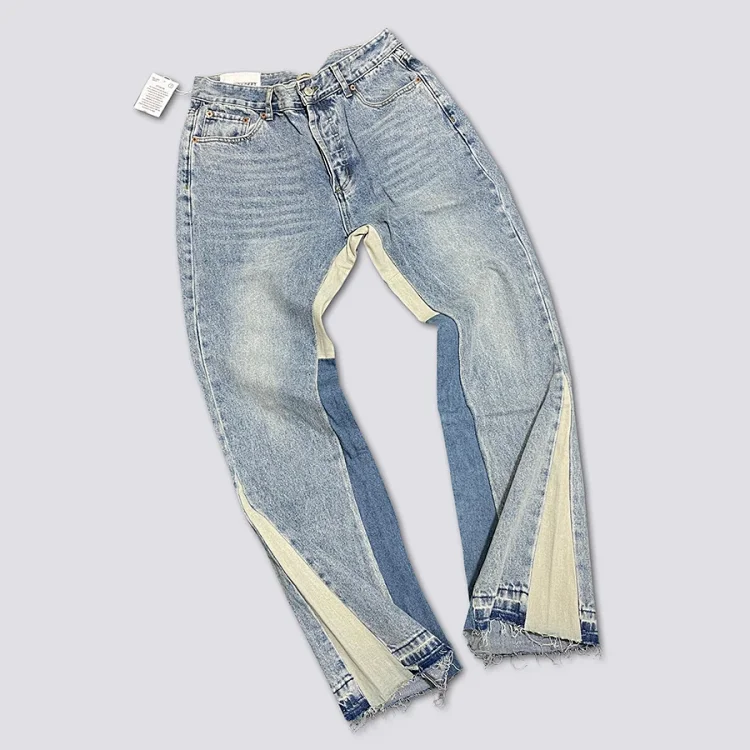
Pants & Shorts
GAL washed patchwork flared jeans
Recorded CNY 215.00
Source checked 2026-10-06
View details & 15 agent links →
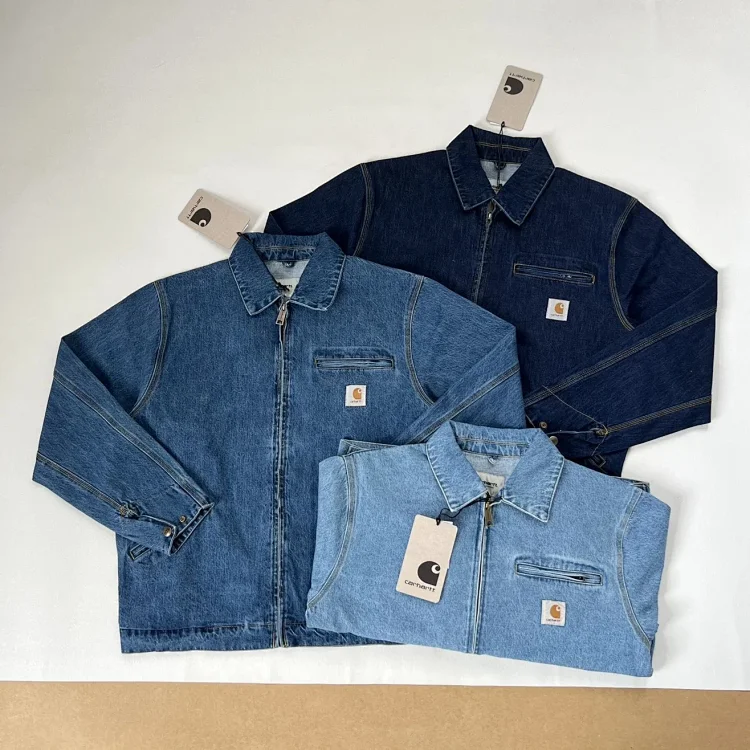
Jackets
Washed vintage Detroit denim jacket
Recorded CNY 330.00
Source checked 2026-10-06
View details & 15 agent links →
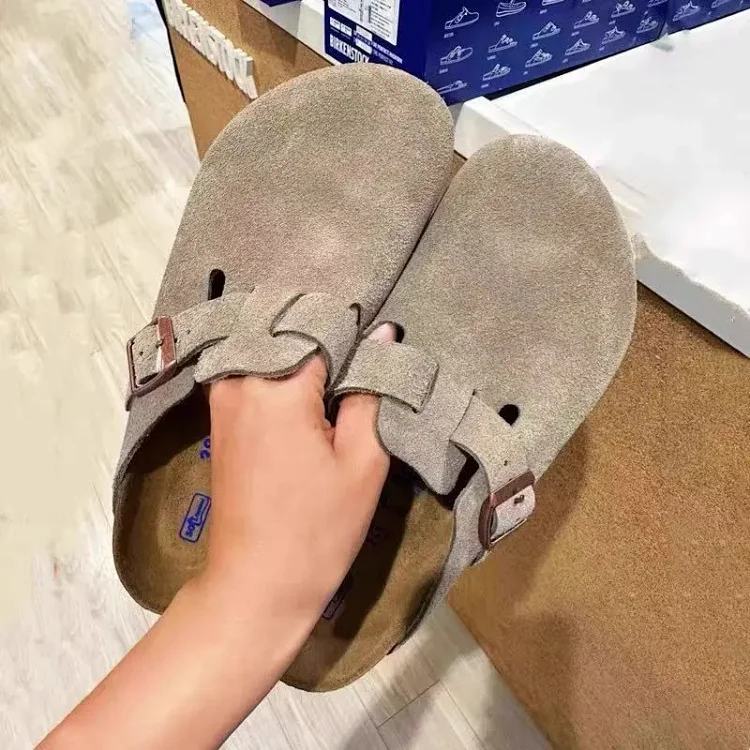
Shoes
Cork and leather closed-toe sandals
Recorded CNY 270.00
Source checked 2026-10-06
View details & 15 agent links →
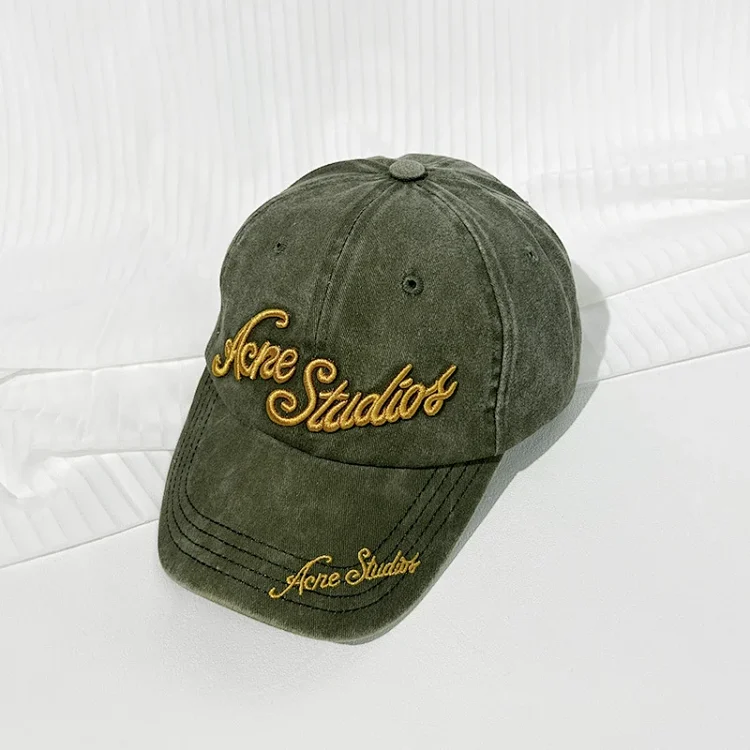
Headwear
Washed letter-embroidered baseball cap
Recorded CNY 89.00
Source checked 2026-10-06
View details & 15 agent links →
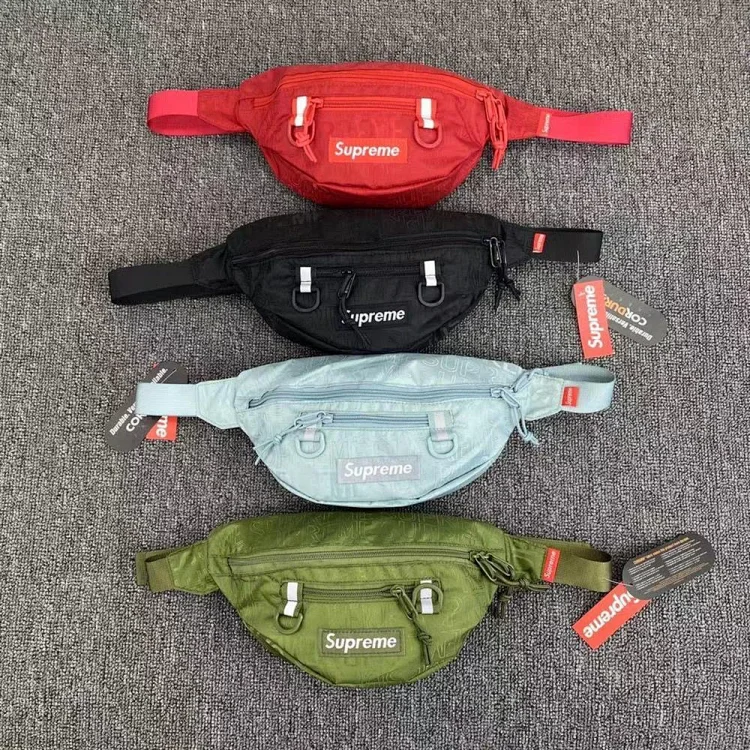
Bags & Accessories
Shoulder crossbody bag — alternate listing
Recorded CNY 79.00
Source checked 2026-10-06
View details & 15 agent links →
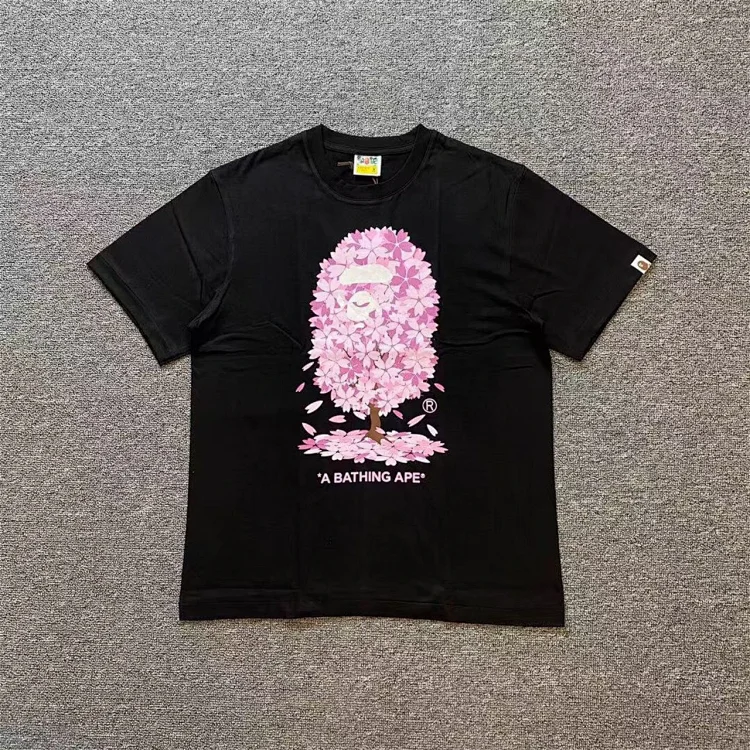
T-Shirts
Cherry blossom printed T-shirt
Recorded CNY 128.00
Source checked 2026-10-06
View details & 15 agent links →
Seller listing photos, not warehouse QC. Check dates describe earlier source checks; they do not confirm current availability.
From a product reference to your order
1. Match the source
Open the original listing and confirm its item ID, color, size and current price. Keep the exact option with your notes.
2. Check Kakobuy’s item page
Use the generated Kakobuy link, then compare the imported item and option. Confirm fees and availability before ordering.
3. Review the received item
When order photos are available, compare their identifiers and visible details using the QC evidence checklist. Check current provider terms before international shipping.
Kakobuy Product Finder FAQ
What can I search with the Kakobuy Product Finder?
Search the full FindHaul source catalog by product keyword, then use its category filters. The search keeps KakoBuy selected so a supported Weidian record can show its generated Kakobuy link. The source catalog is shared across agents; it is not Kakobuy-owned inventory.
How do I open a product in Kakobuy?
Open a source product, compare its original Weidian listing and selected option, then use the Kakobuy link on the product or catalog page. A generated link preserves the source item ID; it does not confirm that Kakobuy will import the item, that stock is available or what the final price will be.
Are these product photos warehouse QC photos?
The product cards use seller-listing images, not warehouse QC. Their dated source checks concern the listing reference, not an inspected order. Use the QC evidence checklist to assess separately sourced photos against an exact item, option and order stage.