
Finds Search for Kakobuy, Superbuy, Litbuy and More
Discover clothing, sneakers and accessories. Search the full product catalog, explore 100 source-linked finds, compare 15 agent links and save your next haul.
100 source-linked finds
Start with the products
Clear English names, original seller photos and a dated source check. Open a find to compare agent links and save it for later.
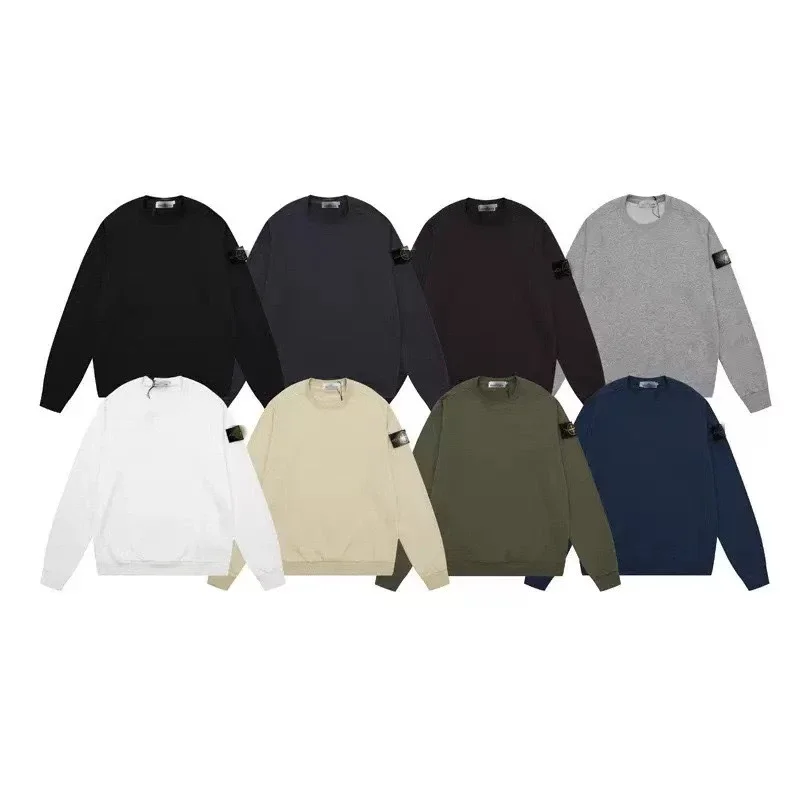
Hoodies & Sweaters
Plain crewneck sweatshirt with small emblem
Recorded CNY 160.00
Source checked 2026-10-06
View details & 15 agent links →

Jerseys
German soccer jersey
Recorded CNY 78.00
Source checked 2026-10-06
View details & 15 agent links →
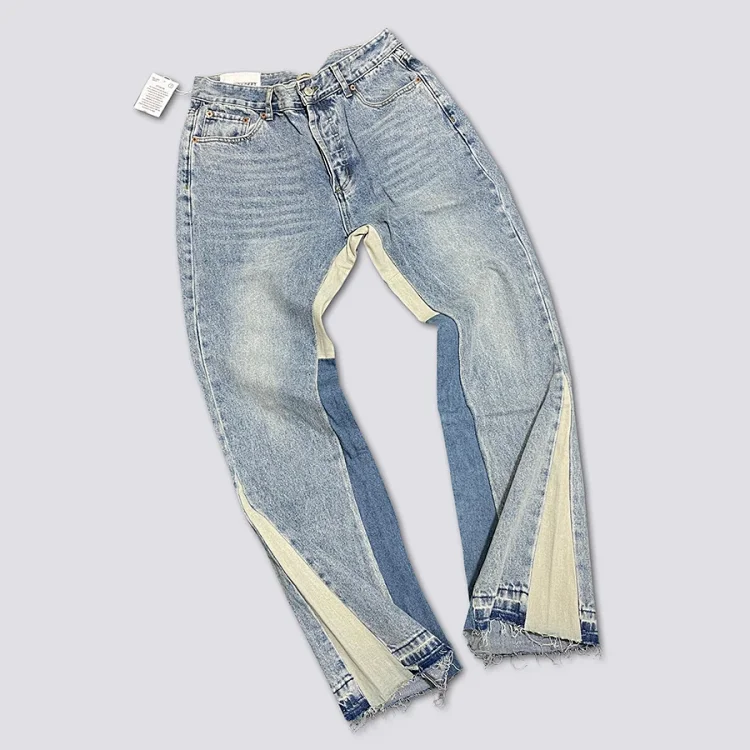
Pants & Shorts
GAL washed patchwork flared jeans
Recorded CNY 215.00
Source checked 2026-10-06
View details & 15 agent links →
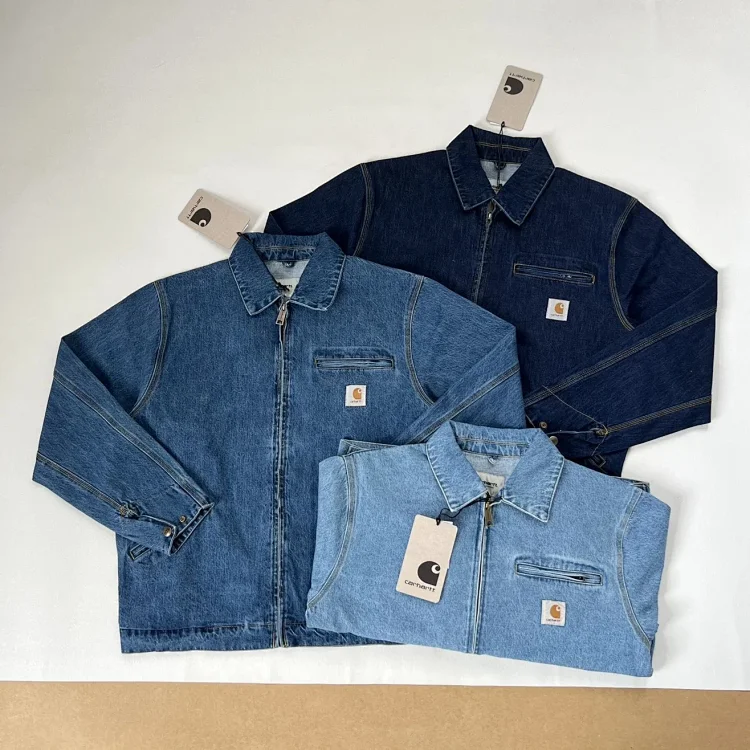
Jackets
Washed vintage Detroit denim jacket
Recorded CNY 330.00
Source checked 2026-10-06
View details & 15 agent links →
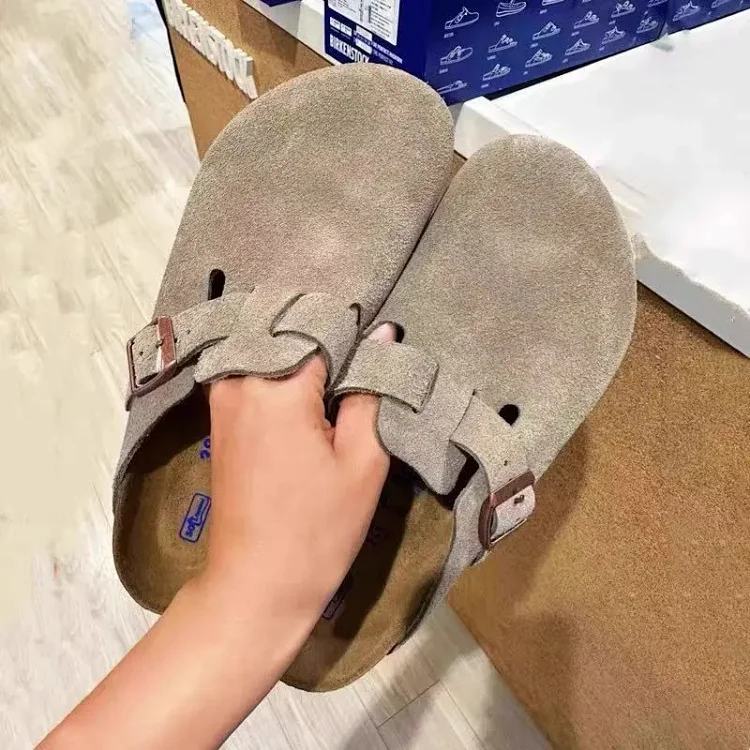
Shoes
Cork and leather closed-toe sandals
Recorded CNY 270.00
Source checked 2026-10-06
View details & 15 agent links →
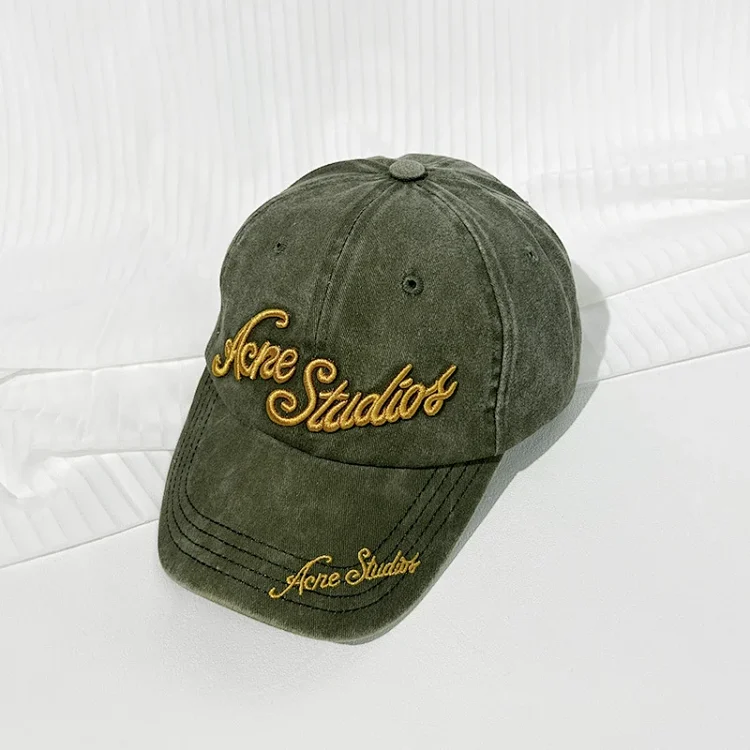
Headwear
Washed letter-embroidered baseball cap
Recorded CNY 89.00
Source checked 2026-10-06
View details & 15 agent links →
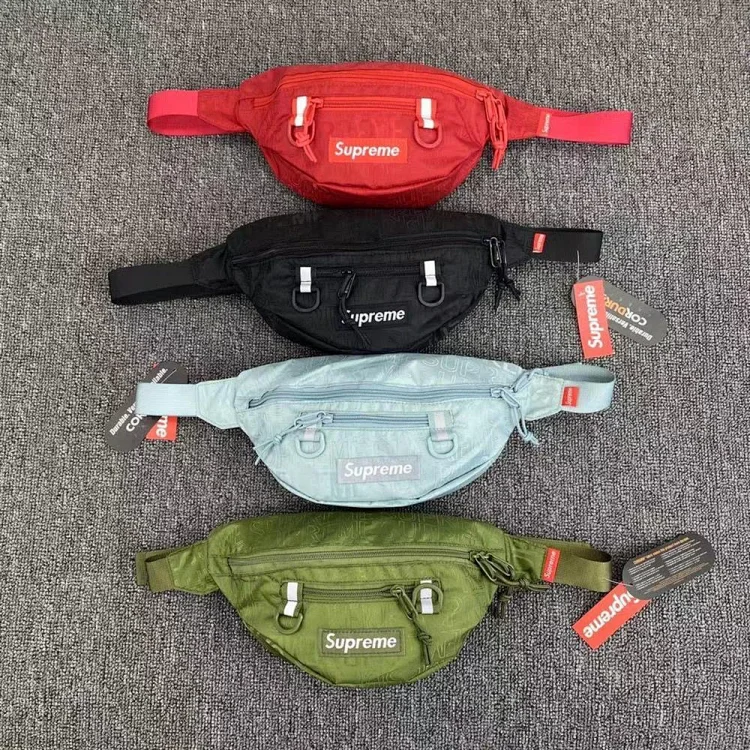
Bags & Accessories
Shoulder crossbody bag — alternate listing
Recorded CNY 79.00
Source checked 2026-10-06
View details & 15 agent links →
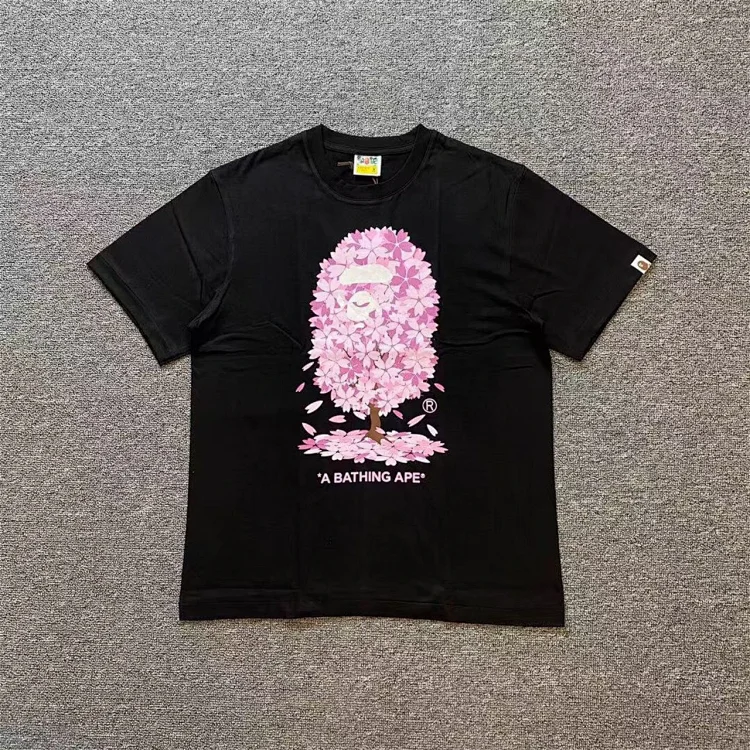
T-Shirts
Cherry blossom printed T-shirt
Recorded CNY 128.00
Source checked 2026-10-06
View details & 15 agent links →
Seller listing photos, not warehouse QC. Recorded prices are snapshots; confirm variants, stock and the final price at the source.
Browse by Category
Explore 6,281 recorded source entries (API snapshot 2026-10-02) by recorded category.
AI-generated category imagery, not actual product or QC photos. Accessories opens all records because the API has no separate Accessories category.


Brand Finds Hubs
Browse Finds by Shopping Agent
Browse agent-specific research pages. Each page explains its sources, checking steps and the details that remain unverified.
Kakobuy Finds
Browse Kakobuy research notes, source references, QC-checking guidance and clearly stated verification limits.
Superbuy Finds
Open Superbuy research notes covering spreadsheet checks, source references and order-planning questions.
Litbuy Finds
Read Litbuy resource notes and check the source, date, listing and current provider terms independently.
Oopbuy Finds
Use the Oopbuy research page to distinguish spreadsheet references, QC guidance and unverified details.
CSSBuy Finds
Review CSSBuy source notes, spreadsheet-checking guidance and links to related research pages.
Sugargoo Finds
Browse Sugargoo research notes with source context, checking steps and limits on what has been verified.
USFans Finds
Read USFans resource notes and verify third-party spreadsheet references before relying on them.
Joyagoo Finds
Open Joyagoo research notes for source identity checks, spreadsheet references and planning questions.
Lovegobuy Finds
Use the Lovegobuy research page to check source identity, link destinations and unresolved details.
Hipobuy Finds
Review Hipobuy research notes for spreadsheet provenance, listing checks and QC-evidence limits.
Agent Finds & Spreadsheet Shortcuts
Use these shortcuts to open agent-specific research pages. A shortcut identifies the page topic; it does not indicate search popularity, provider quality or an endorsement.
Browse
Discover by Category
Browse FindHaul research pages for spreadsheet references, QC guidance, haul planning, seller-album research and other category topics. Images below are AI-generated illustrations, not actual products, seller listings or QC photos.



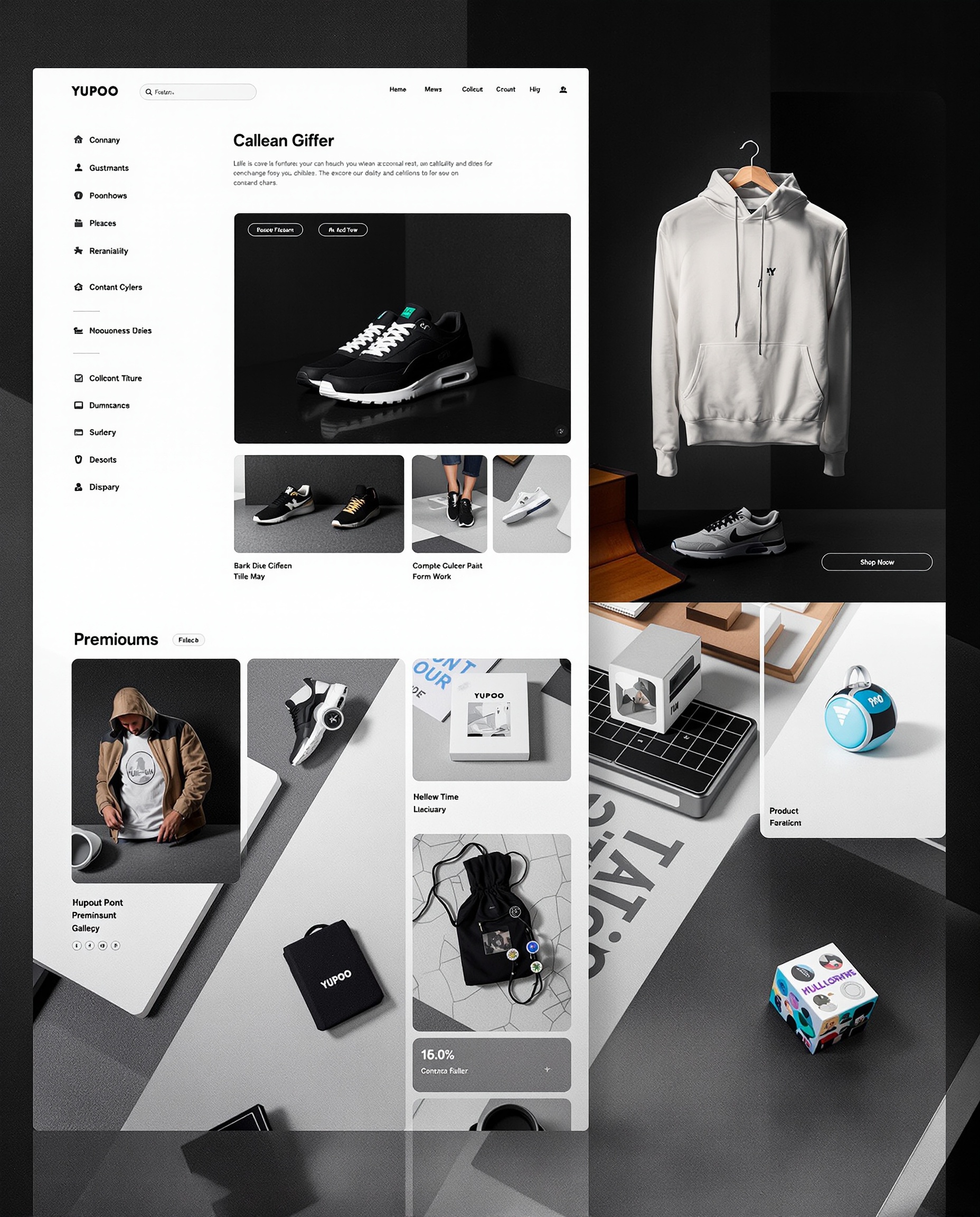



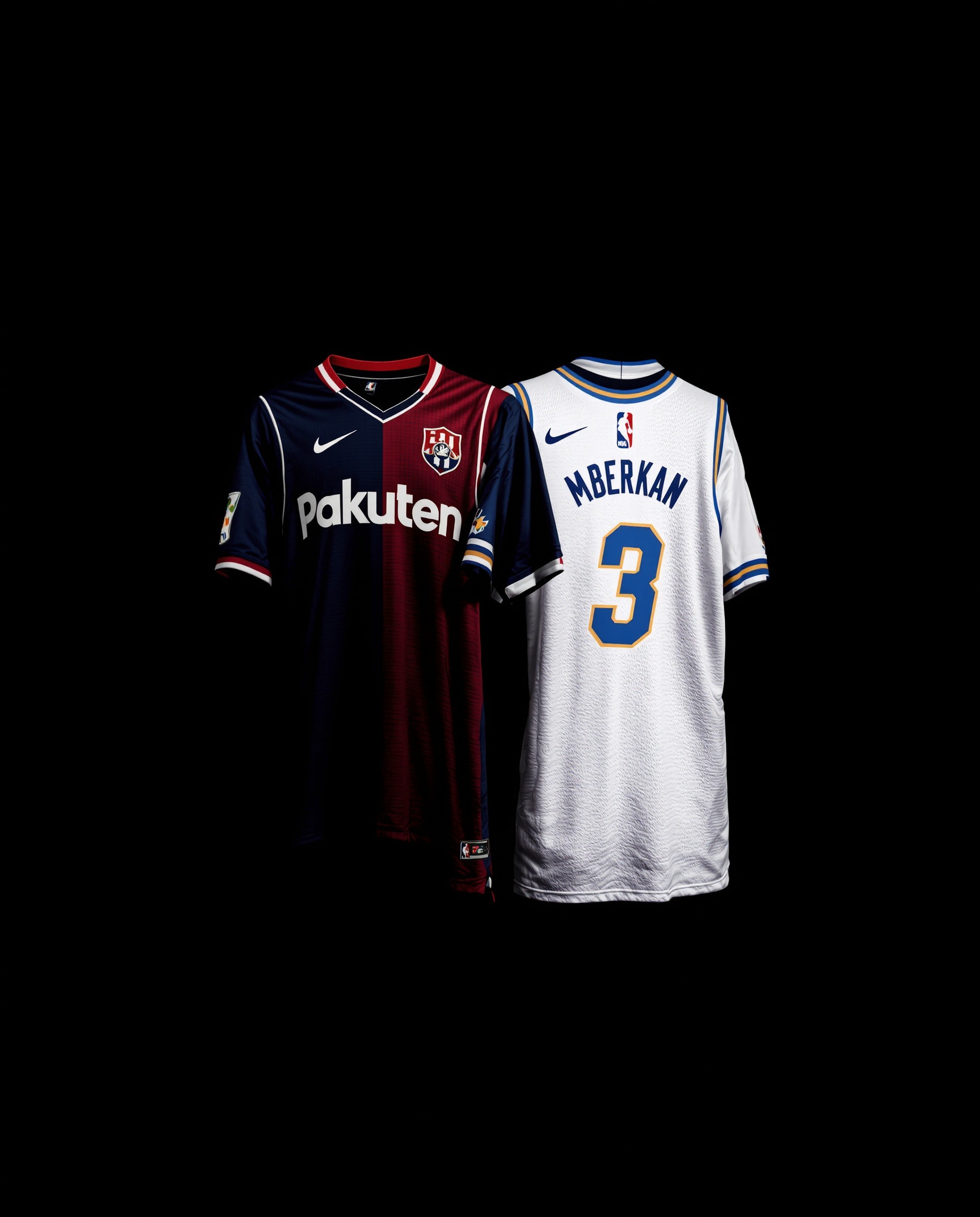

Research Examples
Explore Finds
Illustrative product themes, not live listings or verified QC photos. No price, stock, material or seller-quality claim is made. Links open research pages, not a checkout.
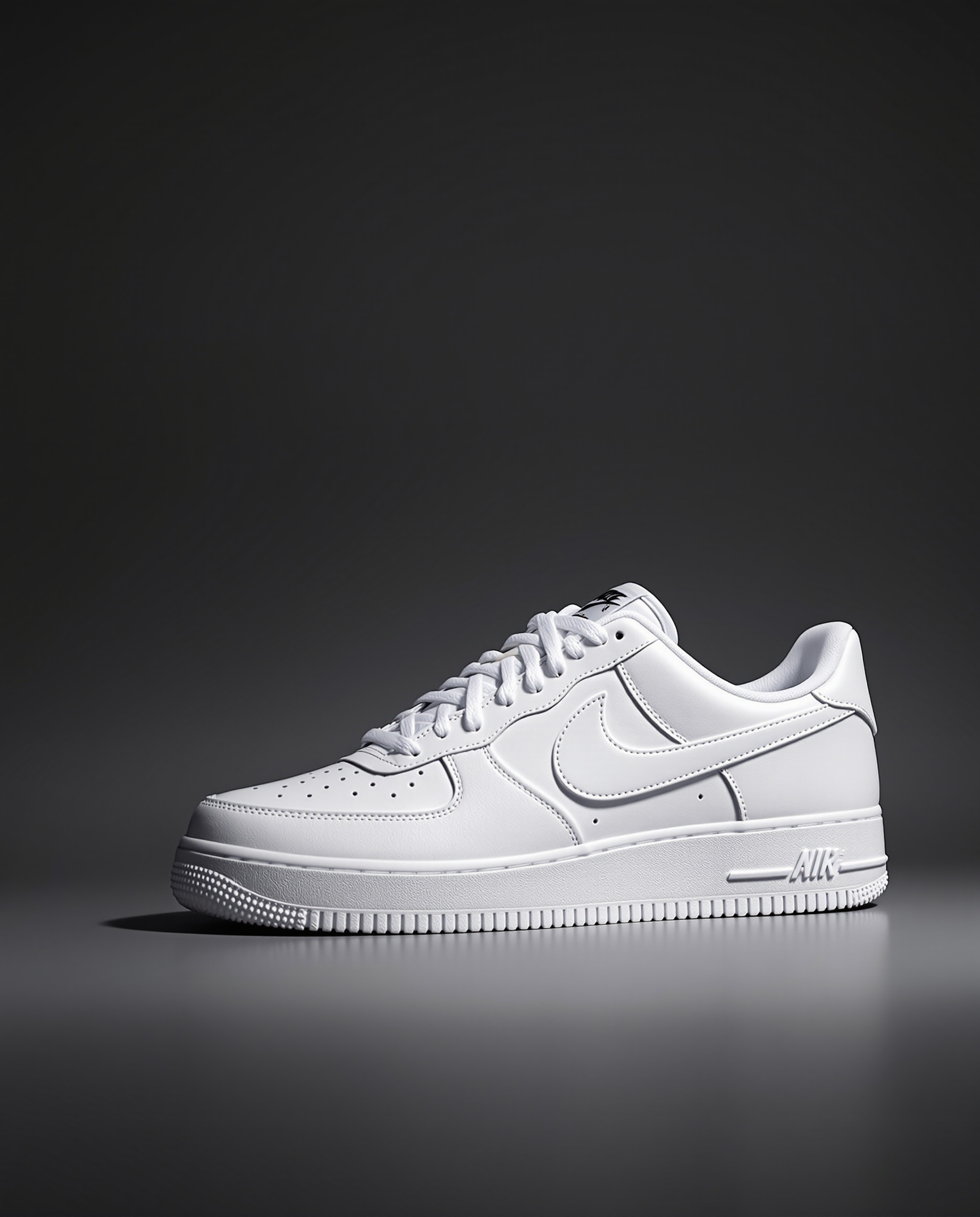
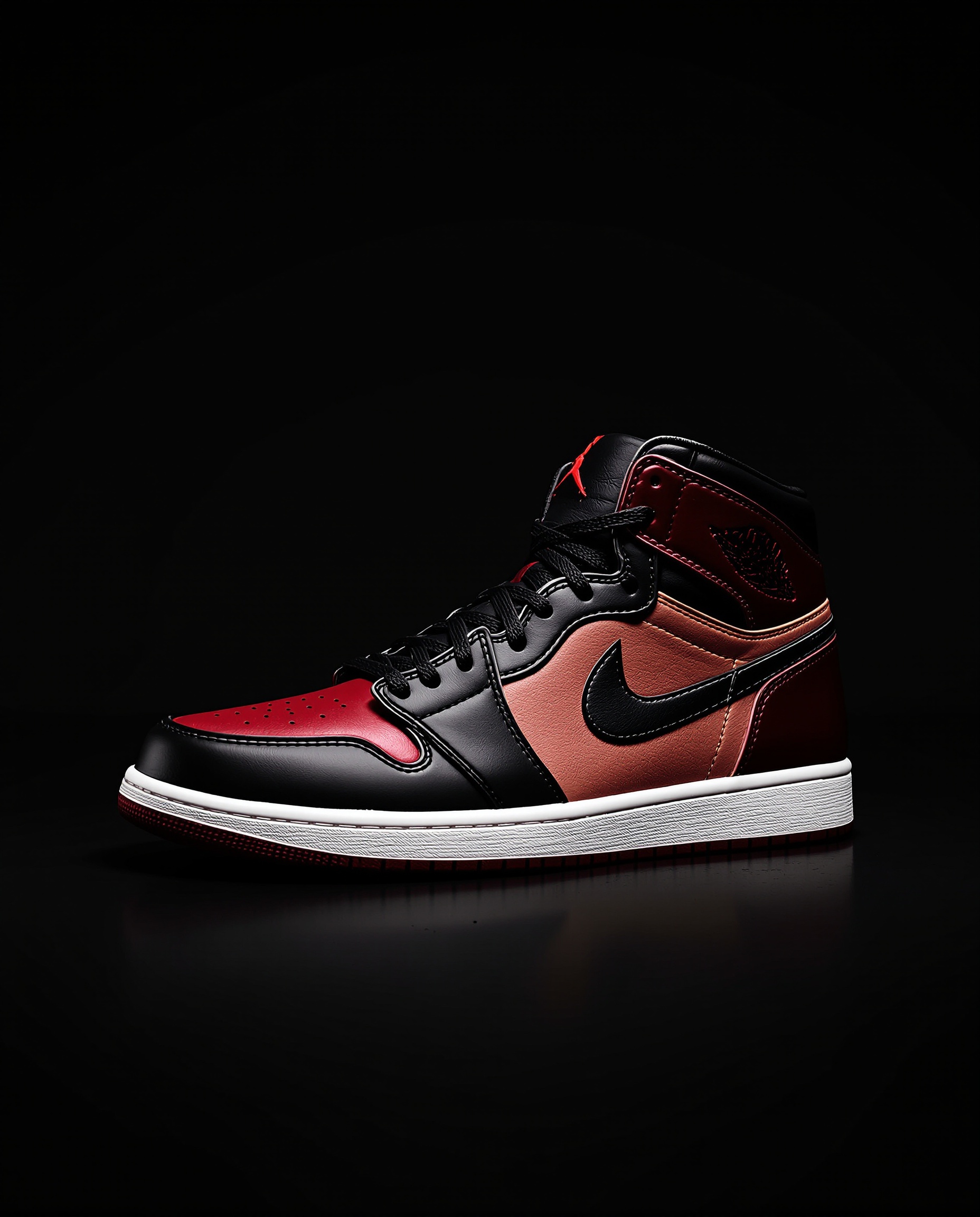
Nike Air Force 1 Low — Clean Colorways

Essentials Fear of God Hoodie — Multiple Colors

Chrome Hearts-style Ring — Illustration


Resource Directory
Spreadsheet Collections
Agent-specific research pages, source references and tools. These are not verified product inventories; each page explains the resource and its limitations.
Order and Parcel Checklist
Boonbuy Spreadsheet
Use a Boonbuy spreadsheet planning guide to keep seller links, warehouse records, inspection notes and parcel quotes separate. Current terms still require verification.
Open resource page →Spreadsheet and QC Source Notes
OOTDBuy Spreadsheet
Review OOTDBuy spreadsheet and QC references with clear source boundaries, then verify the exact listing, option and current provider terms before use.
Open resource page →QC Evidence Checklist
SinaBuy Spreadsheet
Use a SinaBuy spreadsheet guide and QC checklist to record item identity, photo source and variant gaps without treating a QC label as proof.
Open resource page →Category Comparison Notes
SpanBuy Spreadsheet
Explore a SpanBuy spreadsheet category reference and compare items using consistent size, measurement and variant notes. Source and validation limits included.
Open resource page →Brand and Category Filters
OSSBuy Spreadsheet
Review an OSSBuy spreadsheet directory using separate brand and category fields, original item keys and unresolved-link notes. No authenticity claims.
Open resource page →Resource Availability Review
PanGlobalbuy Spreadsheet
Check PanGlobalbuy spreadsheet references in stages: directory, candidate row and seller listing. Clear limits on resource availability and provider status.
Open resource page →Source and Agent Records
HubbuyCN Spreadsheet
Find a HubbuyCN spreadsheet search reference and separate source sheets, seller URLs and agent destinations. HubbuyCN is not treated as Hoobuy.
Open resource page →Publisher and Update Checks
iTaoBuy Spreadsheet
Find iTaoBuy spreadsheet references and distinguish publisher profiles, source documents and verified changes from untested update-frequency claims.
Open resource page →QC Priority and Weight Notes
LoloBuy Spreadsheet
Use a LoloBuy spreadsheet reference to separate QC priority from inspection evidence and estimated weights from measured parcel data.
Open resource page →Price Snapshot Checks
PikoBuy Spreadsheet
Review a PikoBuy spreadsheet reference with dated price snapshots, comparable option records and fee boundaries. No live-price or savings guarantee.
Open resource page →Forwarding Record Checklist
Eastmallbuy Spreadsheet
Use an Eastmallbuy spreadsheet forwarding checklist to connect seller shipments, transfer records and warehouse arrival. Provider source and clear limitations.
Open resource page →Search & Duplicate Review
Loongbuy Spreadsheet
Open a Loongbuy spreadsheet search reference and learn how to separate duplicate listings from independent evidence. No verified inventory or seller endorsement.
Open resource page →Discovery-to-Order Handoff
Wheebuy Spreadsheet
Follow a Wheebuy spreadsheet discovery-to-order checklist with separate listing, acceptance and inspection records. External guide and source limits included.
Open resource page →Image & Variant Evidence
Pantherbuy Spreadsheet
Review Pantherbuy spreadsheet gallery images without confusing illustrations, variants and order-specific QC. External sources and snapshot limitations disclosed.
Open resource page →Promotion Price Comparison
Vigorbuy Spreadsheet
Check Vigorbuy spreadsheet sale labels, price pairs and quote boundaries with an external catalogue reference. No coupon, stock or savings guarantees.
Open resource page →Cross-Site Category Links
Rizzitgo Spreadsheet
Trace Rizzitgo spreadsheet category links across websites and record unresolved destinations. Source-linked guide without unverified catalogue or ownership claims.
Open resource page →Agent-Label Mismatch Review
GTBuy Spreadsheet
Check GTBuy spreadsheet agent labels against actual link destinations and original item identifiers. External references with explicit compatibility limits.
Open resource page →Search Result Recheck Log
Fishgoo Spreadsheet
Open a Fishgoo spreadsheet search reference and keep a dated recheck log for queries, source rows and changed fields. Clear limits on inventory and compatibility.
Open resource page →Directory and promotion checks
Orientdig Spreadsheet
Open an external directory and distinguish promoted cards from product evidence. Individual listings remain unverified.
Open resource page →Quote-preparation worksheet
Tigbuy Spreadsheet
Separate listing details, parcel measurements and unknown charges before requesting a shipping estimate. No preset freight rates.
Open resource page →Agent resource hub
Kakobuy Spreadsheet
Start with the Kakobuy research hub, then check the original listing and current agent terms before ordering.
Open resource page →Directory starting point
Litbuy Spreadsheet
Find the external spreadsheet-directory reference and notes for checking Litbuy links. Listings and terms need independent verification.
Open resource page →Spreadsheet search reference
CNShopper Spreadsheet
Explore an attributed external spreadsheet-search resource and a checklist for checking the sheet and its source links.
Open resource page →Link-format checker
Ponybuy Spreadsheet
Inspect a link's format in your browser and find a spreadsheet-search reference. A format match is not a safety or seller-quality guarantee.
Open resource page →Storage-date planner
Pingubuy Spreadsheet
Use the planning tool and read its assumptions. Confirm the applicable storage terms with the provider before relying on a calculated date.
Open resource page →Brand Hubs
Agent Discovery Hubs
Independent starting points for agent research. These cards do not represent tested ratings, verified user counts or guaranteed service terms.
Kakobuy
Kakobuy spreadsheet and QC research
Explore FindHaul's Kakobuy resource hub. Check current fees with the agent and inspect the actual seller listing and order photos before making a purchase.
Hoobuy
Hoobuy research starting point
Browse the Hoobuy hub for research context. Confirm current service availability, charges and shipping options directly with the provider; this card is not a rating or endorsement.
Browse Resources
Research Resources
Shortcuts to spreadsheet resources, QC research, budget topics and agent comparison notes.
Spreadsheet Finds
Explore attributed resource entries and their checking notes.
QC Photo Guidance
Read QC research guidance and distinguish illustrations from order evidence.
QC Research Guide
Explore QC reference guidance; inclusion does not certify product quality.
Budget Research
Explore budget research topics and verify the current full cost yourself.
Agent Comparison
Review agent comparison notes; confirm current terms with each provider.
Platform Guide
How FindHaul Works
Everything you need to know about spreadsheet finds, QC, haul collections and yupoo sellers.
What Are Spreadsheet Finds?
Spreadsheet finds are lists of product or resource links. Their contents, authorship and update schedules vary; inclusion in a sheet does not verify a seller, price or product. FindHaul provides research starting points and checking tools. Open the original source, check when it was updated, and confirm the exact listing, total cost and applicable terms before ordering.
FindHaul Research Tools
Quick access to FindHaul's discovery tools and research pages. Resource links and guidance do not certify products, sellers or QC results.
Read QC research guidance and distinguish reference images from order-specific evidence
Search 173 source-attributed product references and browse 37 agent research pages
Convert one or up to 20 Weidian items into neutral links for 15 shopping agents
Explore attributed spreadsheet resources and their source-checking notes
Review comparison notes and confirm current fees and service terms with each provider
Open Kakobuy spreadsheet references and review their source and validation limits
Use budget research notes to check total costs; no live-price or savings guarantee
Explore QC-checking guidance, not a tested product ranking or verified photo catalogue
Alternate Search Terms
Independent Research Resource: FindHaul.com is an independent educational research resource. It is not official to any shopping agent, does not sell products, does not process orders, and does not guarantee seller quality, product quality, QC results, link availability, prices, shipping fees, customs results, or delivery time. External links and references come from third-party or public sources unless a page states otherwise. Always verify current details before making decisions. Read our spreadsheet link safety guide.
FAQ
Frequently Asked Questions
What these research resources provide, and what still needs checking at the source.
What is FindHaul?
FindHaul is an independent shopping research site with an API-backed product-source catalog, a separate 173-record reference library, agent guides and local tools. Catalog records preserve original links and checking limits; they are not verified stock or warehouse QC. FindHaul is not a seller or shopping agent.
How do spreadsheet finds work?
A community spreadsheet may contain product links, notes and reference images. Start with the source references on an agent page, then check the original listing and selected variant. Not every FindHaul agent page contains a direct workbook.
What are QC photo references?
Warehouse inspection photos relate to the item and order photographed. A listing image or another buyer's photo does not verify your own order, authenticity or quality. FindHaul's QC guide explains evidence checks; it does not provide verified inspection results for every product.
How do haul collections work?
Use the haul planning guide to group candidate items and record costs, parcel assumptions and unresolved questions. It is not a collection of verified customer orders. Consolidation does not guarantee lower total shipping costs.
Where can I find product links using yupoo?
The Yupoo guide explains how to research seller albums and trace references to a listing. An album image alone is not a verified purchase link, current offer or proof of seller reliability.
What are the best spreadsheet finds?
There is no verified best-product ranking on FindHaul. Choose a resource with traceable source links, clear variants and dated evidence. Confirm current prices, availability and service restrictions before relying on a row.
How often are finds reviewed?
Read each page's review date and source notes for the scope of the check. A resource-entry review is not a product, price or QC audit, and it does not establish when an external spreadsheet was updated.
Does FindHaul sell products?
No. FindHaul does not sell products or process orders. Research links may lead to independent third parties; verify the destination and its terms before sharing information or paying. See the site's disclaimer for link disclosures.
Still looking for something?